

This stage includes your expression of interest, purchasing land, signing the build contract, finance approvals and confirming a land registration date.

STEP 1: We will send your Agent a House and Land Package booklet that outlines the build inclusions.
This includes:
✓ Lot size.
✓ A detailed floor plan.
✓ Facade name and render.
✓ External colour scheme.
✓ Internal colour scheme.
✓ Designer Inclusions.
✓ Included Kitchen, Laundry, and Bathroom products.
STEP 2: We will provide your Agent with an Expression Of Interest (EOI) form.
STEP 1: Go through the House and Land Package/s with you to further explain and finalise your selections.
STEP 1: Fill out the Expression Of Interest (EOI) form and return it to your Agent and/or an NCL Team member.

STEP 1: Set up the Job Project
This includes:
✓ Create Job Number and add to our workflow and client management system.
✓ Organise Site Plans.
STEP 2: Send acknowledgment email with next steps outlined.
No action required – Unless otherwise requested.
No action required – Unless otherwise requested.
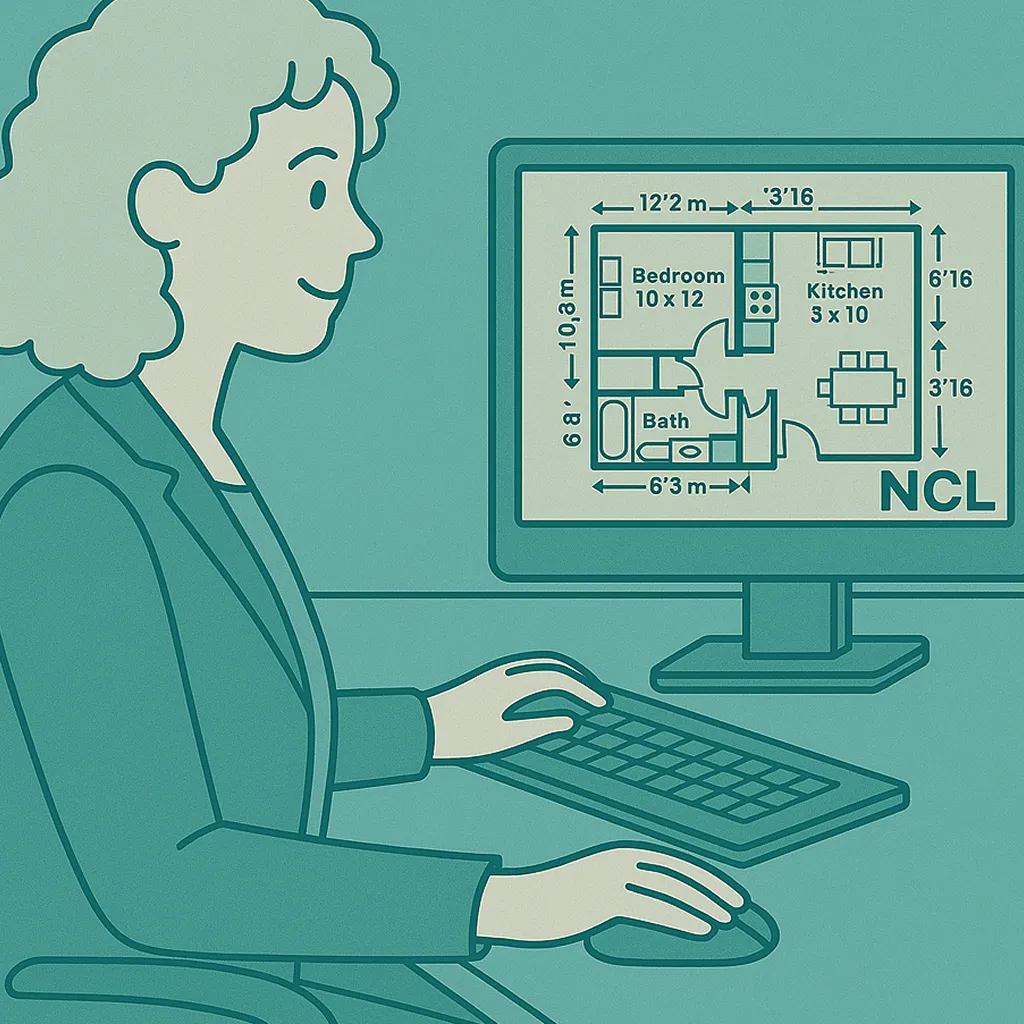
STEP 1: Raise Build Contract.
STEP 2: Upload these for your review and signature.
STEP 1: Raise Land Contract.
STEP 2: Coordinate with your Solicitor to ensure your understanding of all contract documents (prior to signing).
STEP 1: Review Land Contract.
STEP 2: Review Build Contract.
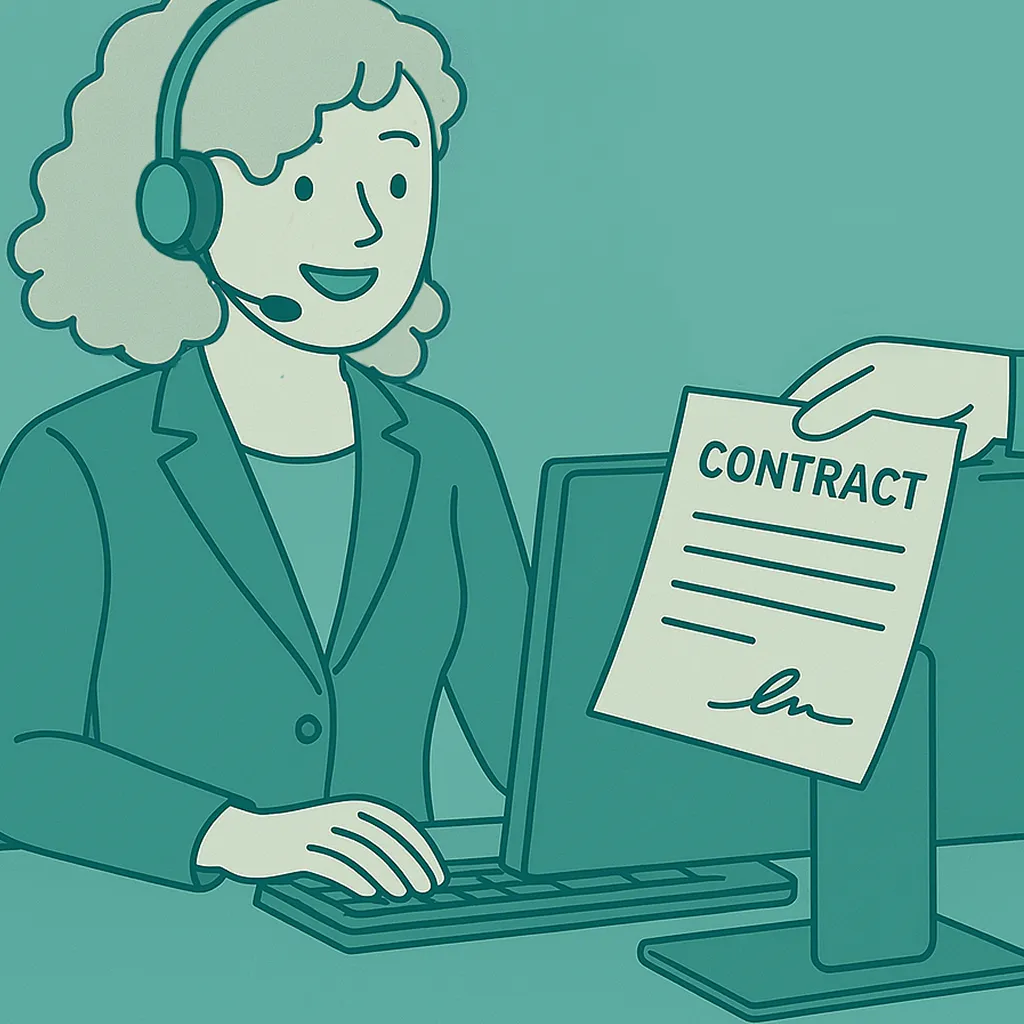
STEP 1: Sign Land Contract and return to Solicitor.
STEP 2: Sign Build Contract through Docusign.
After signing – Your Agent will work with you to ensure the bank/finance institution has all relevant documents required to issue unconditional finance approval.
STEP 1: Activate Job – Congratulations!

Work with the Land Developer on obtaining a land registration date.
Note: Land registration dates from Developers can sometimes delay due to local council requirements. When this happens, unfortunately, all we can do is wait.
STEP 1: Contact your solicitor on obtaining a land registration date.
STEP 2: Advise NCL once the date is obtained.
Await notification of Land Registration date from your Solicitor.
Note: job does not proceed until land is registered

Contact your solicitor on obtaining a Land Registration date.
Advise you once the land is officially registered.
Enabling you to proceed with settlement and ensuring all legal requirements are prepared for completion.
Await settlement letter and provide support where needed.

STEP 1: Await Land Settlement Letter.
STEP 2: Request Finance Approval Letter.
STEP 1: Provide Land Settlement Letter from Solicitor to NCL Homes as proof of ownership.
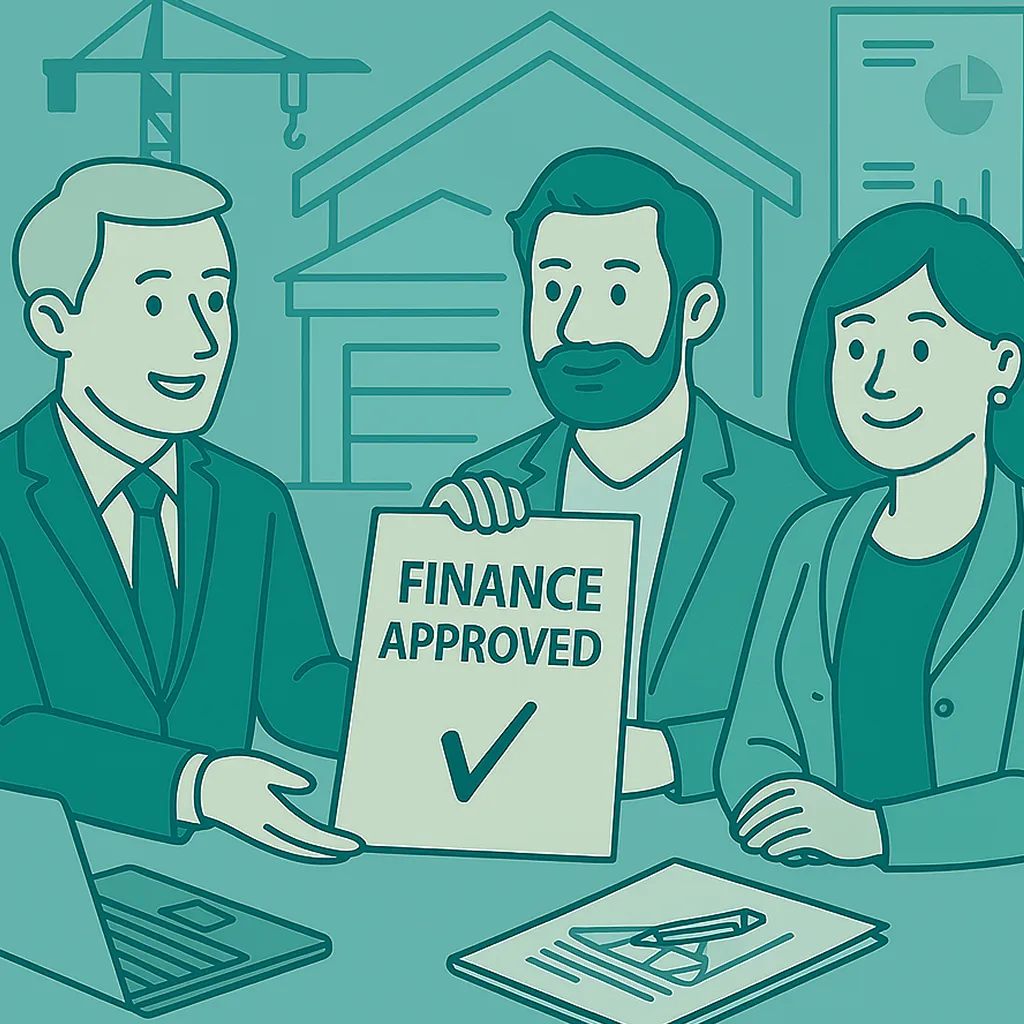
STEP 1: Obtain finance approval from your nominated bank or financial institution.
STEP 1: Provide the finance approval letter to NCL Homes.
STEP 2: Schedule the Land Settlement appointment approximately two to three weeks after Land Registrations.
STEP 3: Send settlement letter to NCL Homes.
IMPORTANT NOTE:
JOB DOES NOT PROCEED UNTIL FINANCE IS APPROVED.
STEP 1: Receive finance approval letter.
STEP 2: Deposit Request;
QLD: Issue a 5% deposit invoice to you, your Agent and Solicitor.
QLD: Pay the 5% Construction Contract Deposit.
Note: job does not proceed until finance is approved

STEP 1: Confirm NCL Homes has received deposit payment.
STEP 2: File Finance Approval Letter.
STEP 3: Introduce you to your Customer Service Officer (CSO), who will be looking after the Pre-Construction stage of your new home build.
Proceed to Pre-Construction Stage – Congratulations!
This stage involves finalising all paperwork, securing development and building approvals, and ensuring every detail is in place so the build can move smoothly into the Construction Stage.

STEP 1: Send you documents to sign electronically (see “You Will” section).
STEP 2: Organise the following:
✓ Site Contour Survey.
✓ Site Soil Investigation Report.
✓ Local Government Authority (Council) Planning Certificate.
✓ Bushfire Rating Report.
✓ Acoustic Rating Report.
✓ Full Working Drawings.
✓ Energy Efficiency Report.
✓ Covenant Approval.
✓ Plumbing Approval Application.
Monitor progress and be available to you for any enquiries.
STEP 1: Sign and return the following documents (if required):
✓ Energy Australia Gas Form.
✓ Private Certifier Engagement Form.
✓ Letter regarding NBN connection of 2nd unit.
✓ Any additional documentation required.
Note: Electronic documents and links will be provided to you by NCL.
STEP 1: Send you documents to sign electronically (see ‘You Will’ section).
STEP 2: Organise the following:
✓ Preparation of Development Approval Application.
Monitor progress and be available to you for any enquiries.
STEP 1: Sign and return the following documents:
✓ Letter of Authority Consent Form (to allow the Town Planner to act on your behalf).
✓ Any additional documentation required.
Note: Electronic documents and links will be provided to you by NCL.

STEP 1: Action the following:
✓ Town Planning Compliance Assessment.
✓ Submission of Development Approval Application.
✓ Public Notification Period.
✓ LGA Assessment / Processing.
✓ Providing / Amending Approval Documentation as required.
✓ Water Authority Application.
✓ Payment of applicable DA Fees / Charges / Bonds.
✓ Receipt of Development Approval (DA) from LGA.
Monitor progress.
Time frames can vary here by external approval authorities such as LGA, Town Planners, Rural Fire Services, Local Government, Planning Overlays, etc.
No action required – Unless otherwise requested.
Note: Unfortunately, this timeframe is controlled by external parties, so we are required to wait.

Inform you of the development application being approved.
No action required – Unless otherwise requested.
No action required – Unless otherwise requested.
STEP 1: Action the following:
✓ Provide / Amend Project Documentation (as required to suit DA Conditions).
✓ Driveway Approval Application.
✓ Stormwater Management Plans.
✓ Waste Management Plans.
✓ Full Structural Engineering.
✓ Engage Private Certifier.
✓ Preparation of Building Approval Application.
STEP 1: Guide your financial institution to raise finance contract documents in a timely manner to ensure you are ready for site start promptly upon receipt of building approval.
No action required – Unless otherwise requested.

STEP 1: Action the following:
✓ Submission of Building Approval (BA) Application.
✓ Private Certifier Assessment / Processing – Including addressing Private Certifier Request/s for Further Information (RFI).
✓ LGA Assessment / Processing – Including addressing LGA Request/s for Further Information (RFI).
✓ Providing / Amending Approval Documentation (as required for each project).
✓ Payment of applicable BA Fees / Charges / Bonds / Insurances.
✓ Receipt of Building Approval (BA) from Private Certifier.
Monitor progress and be available to you for any enquiries.
No action required – Unless otherwise requested.
Confirm building approval has been received.
Monitor progress and be available to you for any enquiries.
No action required – Unless otherwise requested.
STEP 1: Send through documents to review and/or sign (see “YOU WILL” Section).
STEP 2: Send through a contract deposit payment claim/invoice if not already paid (NSW).
STEP 3: Request an “Authority to Commence Construction” Letter (ACC) from the customer (you) to progress the project to the next stage.
Monitor progress and be available to you for any enquiries.
STEP 1: Review documents and sign the following:
✓ Pre-construction Letter which we require you to sign, giving us permission to commence Construction.
✓ Final variations, which also need to be signed.
STEP 2: Pay the full contract deposit payment.
STEP 3: Obtain and provide an “Authority to Commence Construction” letter (ACC) from your lending body, this includes:
✓ A full breakdown of the total construction funds being held by the Lending Body.
✓ Any client funds contributions required.
NOTE: To enable your Lending Body to provide the above, we suggest that you provide all the below documents:
✓ Development Approval (DA) Documents.
✓ Building Approval (BA) Documents (Also known as a Complying Development or Construction Certificate).
✓ Builders Contract Works Insurance Certificate of Currency.
✓ Home Owners Warranty Insurance (HOWI) Certificate and Policy Wording.
✓ Long Service Levy Certificate.
✓ NCL Licensing Information.

Step 1: Confirm NCL Homes has received payment (where applicable).
Step 2: Introduce you to your new CSO, who will be looking after the Construction Stage of your home build.
Monitor progress and be available to you for any enquiries.
Proceed to Construction – Congrats!
This stage begins with site preparation and continues through each phase of construction, including the base, frame, enclosed, fixing and practical completion. It concludes at handover, once the homes is completed.

STEP 1: Schedule initial works on site by coordinating with trades and suppliers.
STEP 2: Order relevant materials and products.
STEP 1: Introduce themselves.
STEP 2: Provide a construction process summary.
No action required – Unless otherwise requested.
Monitor progress and be available to you for any enquiries.
STEP 1: Finalise commencement date.
STEP 1: Provide you and your agent a letter stating the site commencement date.
No action required – Unless otherwise requested.
Monitor progress and be available to you for any enquiries.

For Base Stage have the following completed on your build site:
✓ Site Excavation and levelling.
✓ Concrete footings and piers (as required).
✓ Under slab and stormwater drainage.
✓ Slab preparation
✓ Termite Treatment
✓ Engineers Slab Inspection
✓ Slab Pour
STEP 1: Provide you with construction progress photographs.
STEP 2: Send you the Base Claim Invoice for payment.
STEP 1: Forward the invoice to your financier, with any required documents, to ensure timely processing.
STEP 2: Advise us once ‘Step 1’ is complete, so we can know when to expect payment.
Monitor progress and be available to you for any enquiries.

For Frame Stage have the following completed on your build site:
✓ Timber wall frames.
✓ Bracing and Tiedown requirements.
✓ Perimeter termite treatment.
✓ Structural floorings.
✓ Timber roof trusses.
✓ Frame Inspection.
STEP 1: Provide you with construction progress photographs.
STEP 2: Send you the Frame Claim Invoice for payment.
STEP 1: Forward the invoice to your financier, with any required documents, to ensure timely processing.
STEP 2: Advise us once once ‘Step 1’ is complete, so we can know when to expect payment.
Monitor progress and be available to you for any enquiries.

For Enclosed Stage have the following actioned on your build site:
✓ Roof covering and guttering.
✓ External wall cladding / brickwork.
✓ External rendering (if applicable).
✓ Eave linings.
✓ External Windows and Doors.
✓ Internal plumbing rough in.
✓ Internal electrical rough in.
✓ Insulation.
STEP 1: Provide you with construction progress photographs.
STEP 2: Send you the Enclosed Stage Claim Invoice for payment.
STEP 1: Forward the invoice to your financier, with any required documents, to ensure timely processing.
STEP 2: Advise us once ‘Step 1’ is complete, so we can know when to expect payment.
Monitor progress and be available to you for any enquiries.
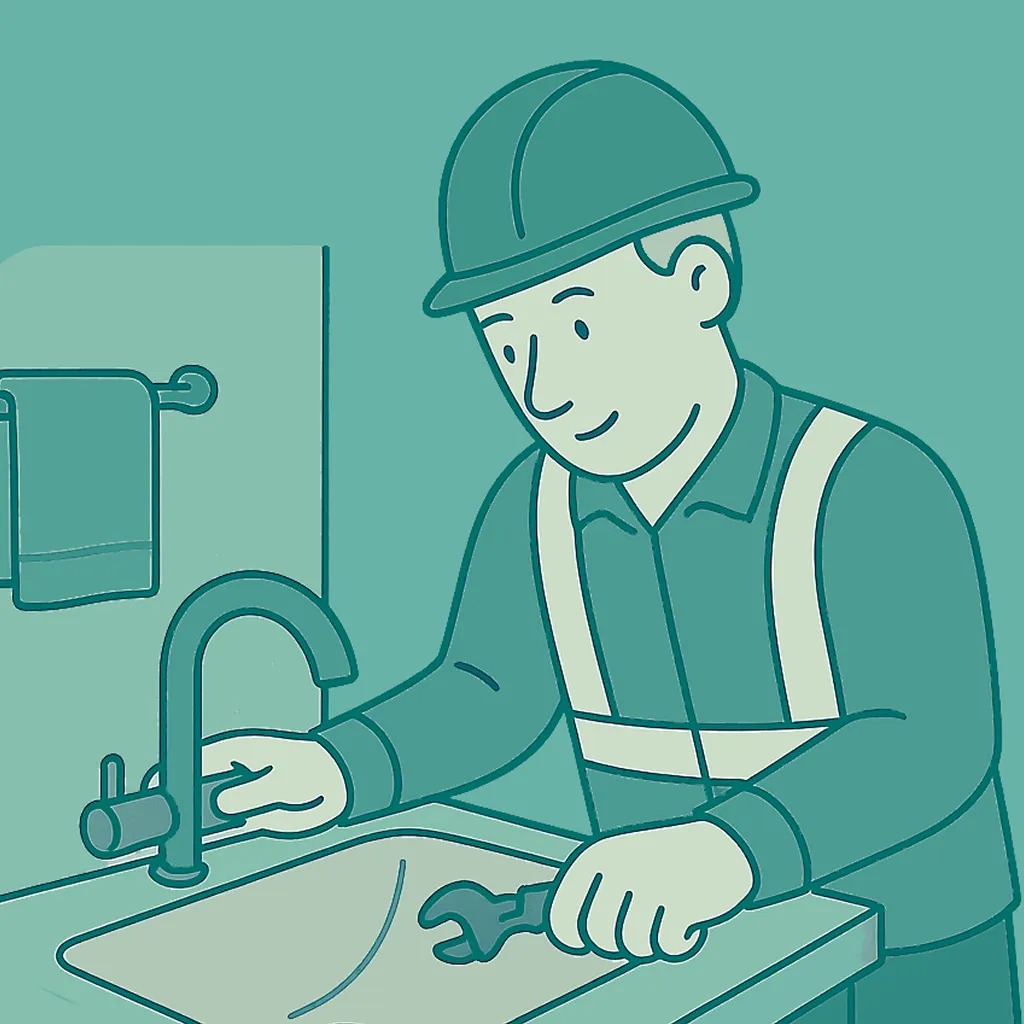
For Fixing Stage have the following actioned on your build site:
✓ Internal Wall Linings.
✓ Internal doors, skirting and architrave.
✓ Shower trays and waterproofing.
✓ Ceramic Tiling.
✓ Kitchen, Laundry and vanity cabinetry.
STEP 1: Provide you with construction progress photographs.
STEP 2: Send you the Fixing Stage Claim Invoice for payment.
STEP 1: Forward the invoice to your financier, with any required documents, to ensure timely processing.
STEP 2: Advise us once ‘Step 1’ is complete, so we can know when to expect payment.
Monitor progress and be available to you for any enquiries.

For Practical Completion Stage have the following actioned on your build site:
✓ Shower Screen and mirrors.
✓ Robe doors and shelving.
✓ Painting.
✓ Plumbing Fit Off and fixture install.
✓ Electrical Fit Off and appliance install.
✓ Airconditioning Fit Off and unit install.
✓ Carpets, Blinds and light fittings.
✓ Fencing.
✓ Landscaping, clothesline and letterbox.
✓ Driveway and paths.
✓ Private Certifier’s final expectation.
Upon Completion:
STEP 1: Confirm all works have been completed in accordance with the contract and relevant statutory requirements (excluding minor defects or omissions).
STEP 2: Confirm the home is reasonably suitable for occupation.
STEP 1: Provide you with construction progress photographs.
STEP 2: Send you the Practical Completion Stage Claim Invoice for payment.
STEP 1: Forward the invoice to your financier, with any required documents, to ensure timely processing.
STEP 2: Advise us once ‘Step 1’ is complete, so we can know when to expect payment.
STEP 3: Finalise Practical Completion Inspection.
Monitor progress and be available to you for any enquiries.

Upon completion, the following will be actioned:
STEP 3: Conduct the Practical Completion Inspection with your nominated third party.
STEP 1: Send you the Handover Inspection Report.
STEP 2: Resolve to have agreed defects rectified in a timely manner.
STEP 1: Have your nominated inspection agent attend the completion inspection.
STEP 2: Forward the invoice to your financier, with any required documents, to ensure timely processing.
STEP 3: Advise us once ‘Step 2’ is complete, so we can know when to expect payment.
STEP 1: Attend a Practical Completion inspection as your nominated agent.
STEP 2: Compile an agreed report of defects to be actioned.
Monitor progress and be available to you for any enquiries.

For Official Handover, provide you with the following:
✓ Handover Kit.
✓ Project Information.
✓ Product Warranties.
✓ Keys / Remotes / Controls.
✓ Maintenance Form.
STEP 1: Provide copy of signed maintenance form.
STEP 2: Provide Maintenance Information.
STEP 3: Provide Certificate pack.
STEP 1: Receive the keys to your new investment property – Congratulations!
No action required – Unless otherwise requested.
The maintenance stage lets us monitor your home as it settles and address any minor defects; its length is defined by your maintenance period.

Submit Maintenance form with any required maintenace requests
Organise for the maintenance requests to be actioned

Finalise all maintenace and close maintenance period.
No action required – Unless otherwise requested.
Your home build journey ends here, however we are always available if needed. Thank you for building with NCL Homes
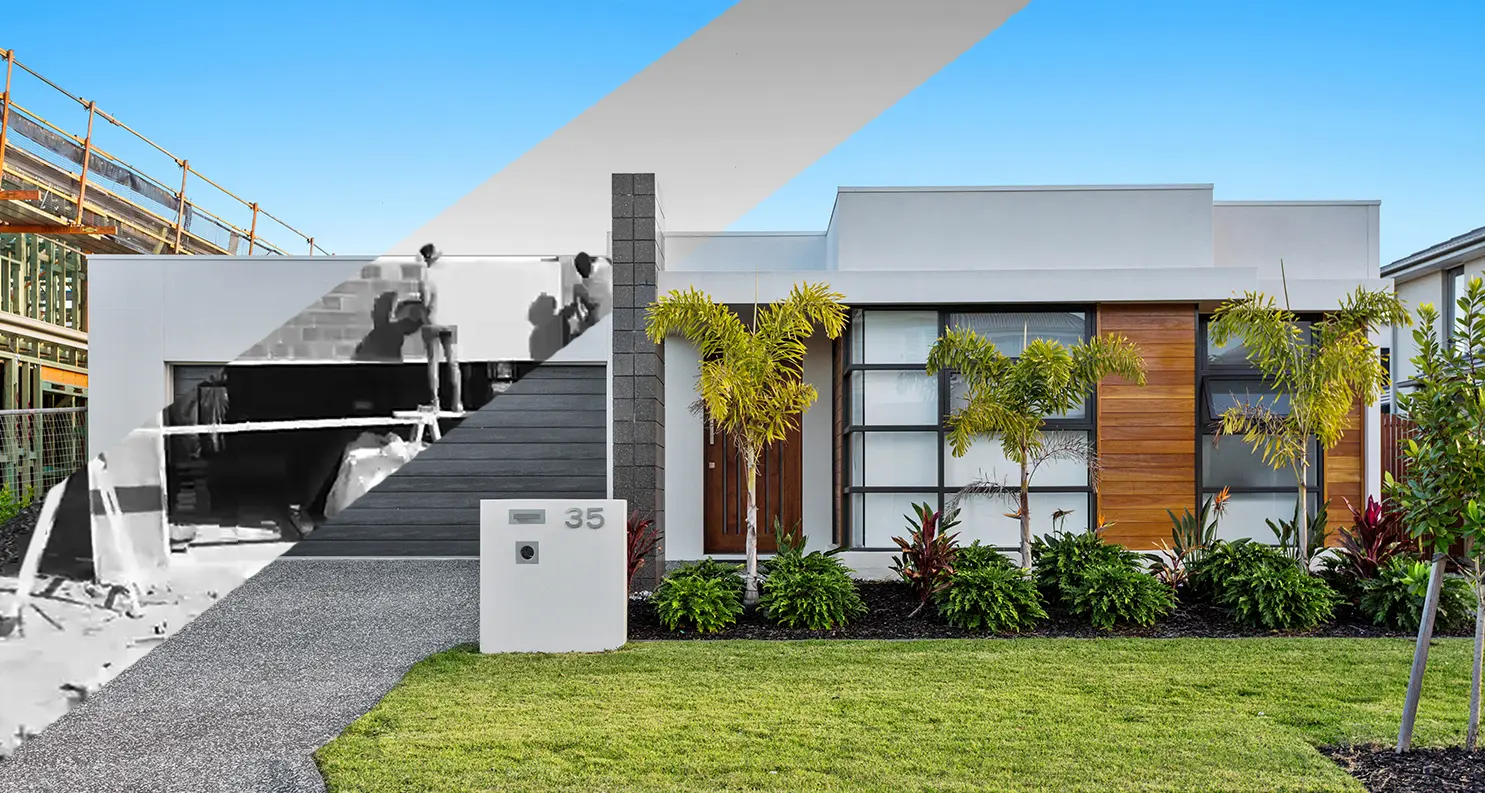
Every project is unique, so we are unable to provide an exact build timeframe at the beginning of your journey. However, once you reach Pre-Construction, we will be able provide you with an estimated Building Approval (BA) date.
During this stage, we engage a range of external consultants and service providers to prepare the required documentation for your BA application. Several factors can influence the timeframe (which will be further explained via email once this stage is reached), including:
• The workload and processing times of external consultants
• Local Government Authority approval timeframes
• Service provider availability
• Weather impacts
• The Public holidays and industry-wide Christmas/New Year shutdown period
As soon as your build reaches Pre-Construction, we immediately commence the pre-site works for your project.
Once BA is achieved, your project will move into the Construction Commencement Stage, and we’ll send you an update the moment we reach this milestone.
For a full build process breakdown please see our ‘Build Process’ section above.
Construction begins once all required documents are signed, your deposit has been paid, and Building Approval (BA) has been achieved. At that point, your project will move into the Construction Commencement Stage (refer to CPU 7), and you will receive an intro email from your new CSO with an update outlining the next steps.
You can view a step-by-step outline of the construction process in the ‘Construction Stage’ tab on our ‘Build Process’ page.
Once all invoices and deposits are paid (see CPU7), there is a minimum four-week period before your project reaches the site commencement stage ‘(see CPU8). We will then provide you with an estimated build timeframe which will include a completion date (CPU9).
• Industry conditions have changed – supplier lead times, trade availability, and processing times are slower across the construction industry.
• DA approval timeframes are outside our control – councils and certifiers often experience high workloads and extended processing periods.
• Land conditions impact planning – soil type, site levels, easements, and service availability influence your design and engineering requirements, and these factors are determined by the land itself, not the builder.
Model and brand is dependent on the energy efficiency report requirements and only finalised prior to its install.
Monday 7.30am to 4:00pm and Thursday to Friday 8:00am to 4:00pm. AEST.
NCL Homes proudly delivers high-quality builds across South East Queensland, Townsville, and key regions throughout New South Wales.
We are based on the Gold Coast at 76 Minnie street Southport, Queensland.
We understand the importance of providing your clients with readily available H&L packages. That’s why we’ve implemented real-time Stock Lists. Simply click ‘Send’, and we’ll promptly deliver our latest Stock List (with fixed prices) to you
"*" indicates required fields